

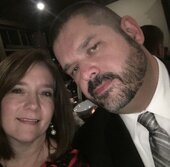
William R. Bruce
Active Member
-
Joined
-
Last visited
-
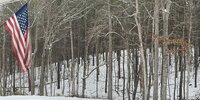 GOD bless the USA!
 -
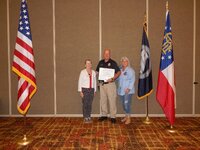 Way to go Arthur! Your agency and staff are proud of both your leadership and your accomplishments! Congratulations. 😉
 -
Participation requested and provided. What a beautiful picture of butterflies and mushrooms! The blue coloration reminds me of the blue lights used on my Police patrol vehicles. The mushrooms remind me of why the Police lights were present to begin with. The butterflies prompt memories of the suspects attempting to fly away prior to apprehension. There may be a correlation between all of the above but we will just conclude with agreeing that the attached photo is beautiful. LOL Response was submitted for test purposes with a bit of humor to accompany. 🤣
-
GOD please protect and bless this nation, the United States of America. Please restore us to a nation that emphasizes: “In GOD we trust!”
-
until
Excited to reunite with all at the upcoming G.A.C.E. conference in Savannah. 😎 -
Happy New Year to all! Stay safe and GOD bless.
-
Excellent information applicable to both law enforcement and code enforcement officials.
-
I love the changes made and the new look is both appealing and creative.